Which charger does my Huawei laptop need?
The quickest way to get the right replacement is to copy three things from your old charger: the voltage, the wattage and the plug. Here is where to find them, followed by the Huawei chargers we sell.
Three things to check
- 1The output voltageLook for the line marked OUTPUT on the label of your old charger, or on the underside of the laptop. It reads something like 19.5V 3.33A. The first number, in volts (V), must match.
- 2The wattageOften printed on the label as 45W, 65W or 90W. If it is not, multiply the volts by the amps: 19.5 × 3.33 is about 65W. Choose the same wattage as your original, or higher. A lower one may charge slowly or not at all.
- 3The plug that goes into the laptopIt is either USB-C (a small flat oval) or a round plug. Round plugs come in several sizes, given in millimetres, such as 4.5 x 3.0mm, and the size must match yours.
Huawei chargers we sell (3)
The details below are taken from each listing. Check them against your old charger, and open a listing for its full description.
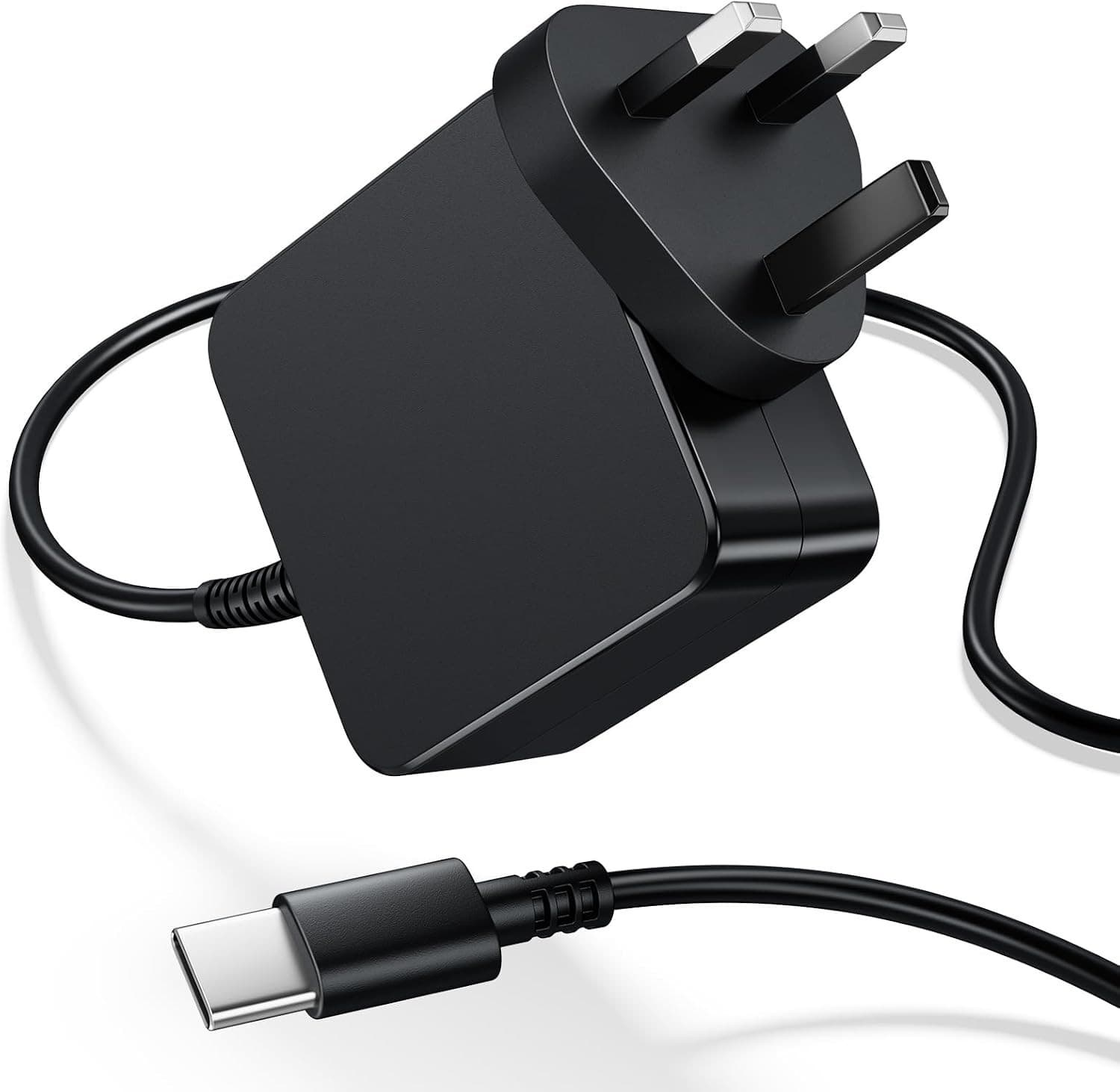 65W USB-C Charger for Lenovo, ASUS VivoBook, Acer, HP & Dell
- Wattage:
- 65W
- Output:
- 20V 3.25A
- Plug:
- USB-C
£14.29View charger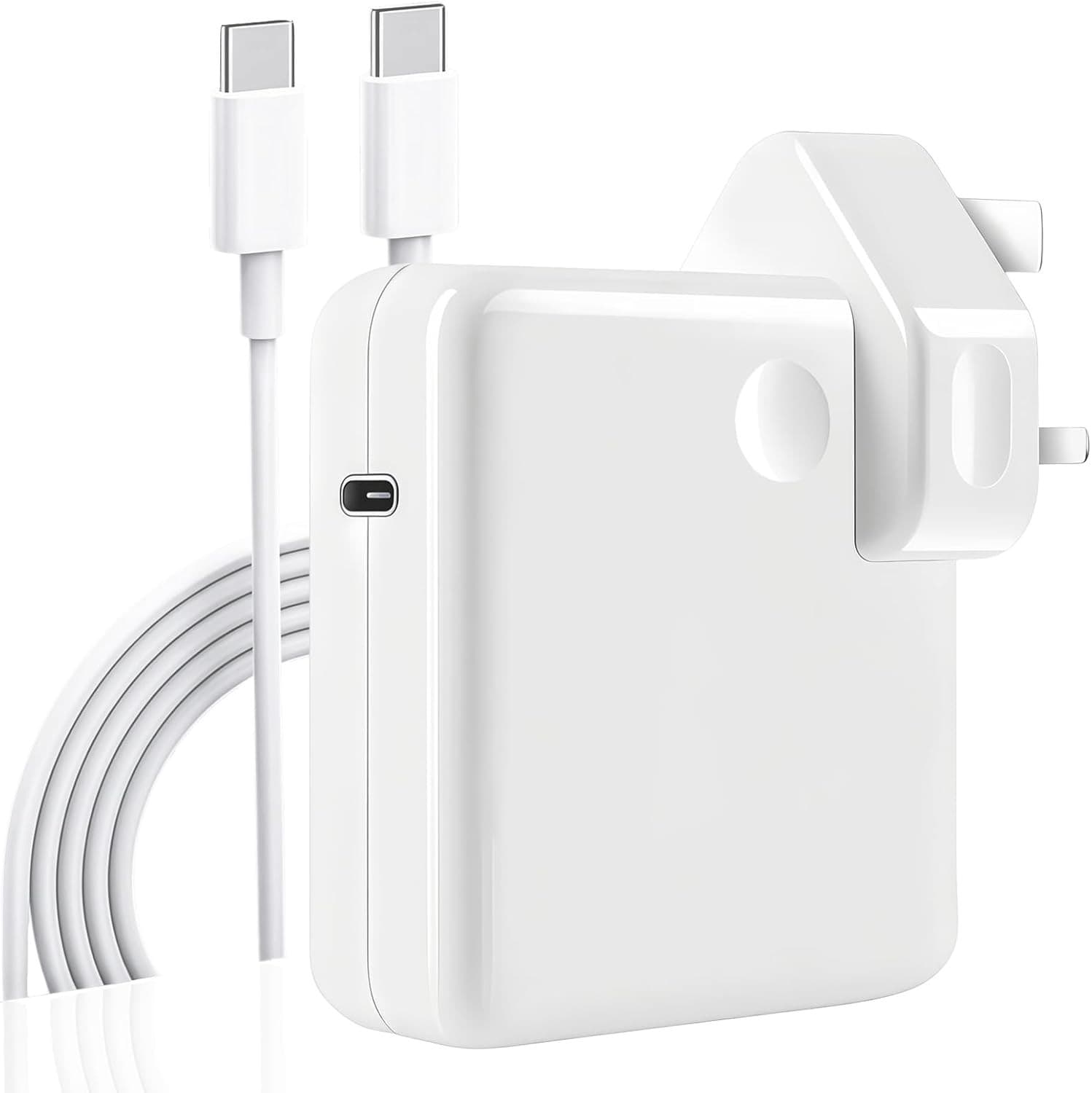 96W USB-C Charger for MacBook Pro & Air 13" / 14" / 15" / 16"
- Wattage:
- 96W
- Output:
- 20V 4.3A
- Plug:
- USB-C
Listed as fitting: MacBook, MacBook Air, MacBook Pro, Dell, HP, Lenovo, Microsoft Surface, Universal USB-C Devices
£14.79View charger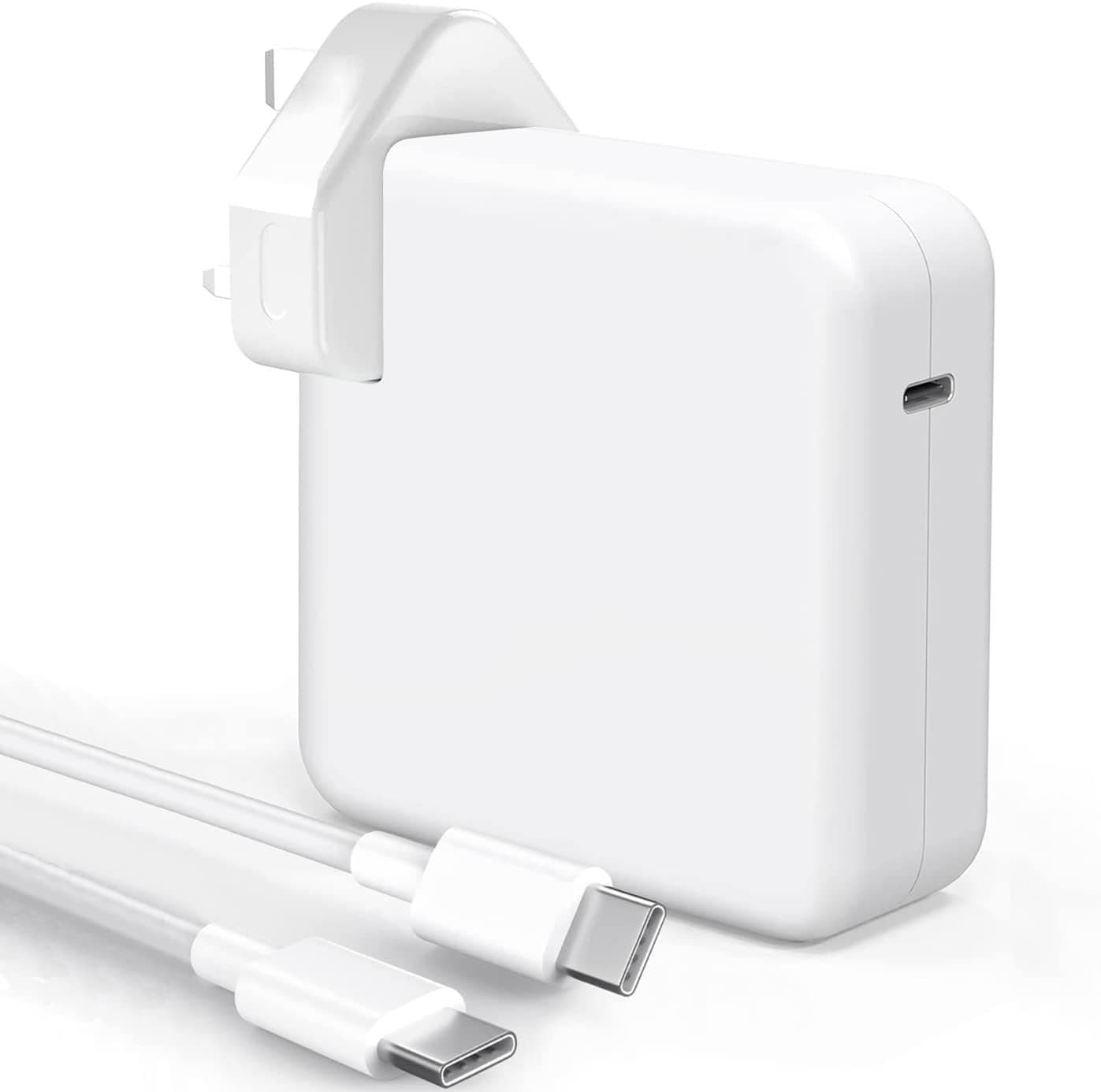 140W USB-C Charger with 7.2ft Cable for MacBook Pro & Air
- Wattage:
- 140W
- Output:
- 20V 4.7A
- Plug:
- USB-C
Listed as fitting: MacBook Air, MacBook Pro, iPad Pro, iPad Air, USB-C Laptops, Chromebooks, Tablets, Universal USB-C Devices (See Description for Full Compatibility)
£18.99View charger
Not sure which one?
Send us your laptop's model name and, if you can, a photo of the label on your old charger, and we will tell you which charger fits. Every charger comes with free UK delivery and 30-day returns.
Ask us