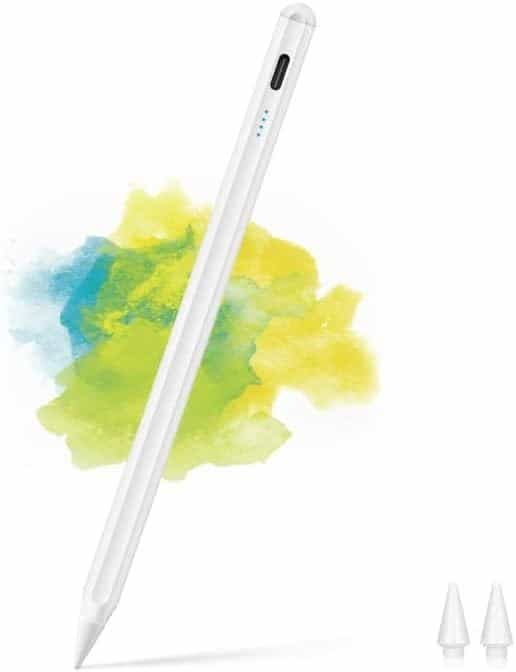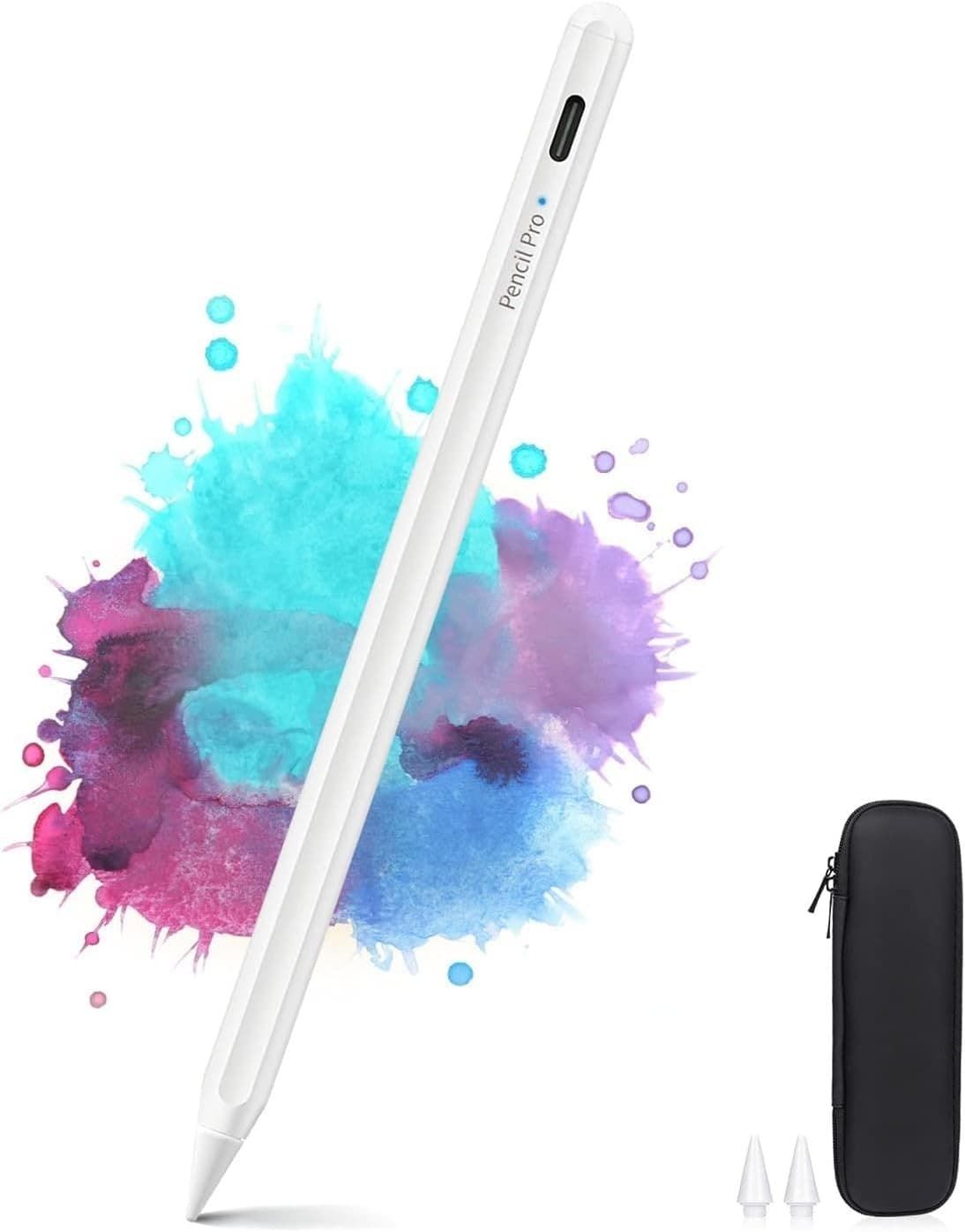
Stylus Pen for iPad with Palm Rejection & Case - White
- 100,000+ orders sent
- UK company
- Dispatched from UK warehouse
In stock
- Offer
- 10% off with code RIG10 at checkout.
- Delivery
- Free delivery by Royal Mail Tracked 48 (2-3 working days). Dispatched within 24 hours.
- Returns
- 30 days to send it back. We pay the postage if it is faulty or not as described.
- Payment
- Secure card payment by Stripe. Price includes VAT.
Description
Description
- Palm rejection lets you rest your hand on the screen while you write or draw - Tilt sensitivity: the more you tilt the pen, the thicker the line - 10-12 hours of continuous use, with a full charge in 30 minutes over USB-C - Touch the top to switch on (blue light); it turns off by itself after 5 minutes of inactivity - Includes a pencil holder case, USB-C cable and 2 spare tips - Aluminium and ABS body, 16.6 x 1 x 1 cm This white stylus pen is made for note-taking, writing, drawing and general browsing on a compatible iPad. It is the same slim, pencil-like shape throughout, measures 16.6 x 1 x 1 cm and has an aluminium and ABS body. Palm rejection means you can rest your hand on the screen as you work, so there is no interference from your palm. Tilt sensitivity changes the line as you angle the pen: the greater the tilt, the thicker the line, which helps with sketching and shading. The tip is made from a material chosen to avoid damaging the screen, and two spare tips are included. To start, touch the top of the pen. A blue light shows it is ready to use. If you leave it alone for 5 minutes it switches off automatically to save power. A red light means the battery is low. The pen will still work for about an hour in this state, and the red light flashes 10 times before it turns off. The built-in lithium-ion battery is included and gives 10-12 hours of continuous use. It charges fully in 30 minutes through the USB-C port, using the supplied cable. You can charge it from a laptop, a 5V DC power supply or a power bank. The pencil holder case lets you carry the pen without losing it. On iPad Pro 12.9" (3rd and 4th generation) and iPad Pro 11", the pen also attaches magnetically to the side of the tablet. Magnetic attachment is not available on other models. Compatibility: the pen works with iPad models from 2018 to 2025 and needs iOS 12.2 or later. Models named for this pen include iPad Pro 11" and 12.9" (2018 and 2020), iPad 6th generation (2018), iPad 7th generation (2019), iPad 8th generation (2020), iPad Air 3 (2019), iPad Air 4 (2020) and iPad Mini 5 (2019). One pen can be used across several compatible iPads. It does not work with iPad models from 2010 to 2017, iPad Pro 1st and 2nd generation, iPad Pro 10.5", iPad Pro 9.7", iPhones, Android devices or Microsoft devices. Please check your iPad model before ordering. Setting up: if an Apple Pencil is connected to your iPad, disable it first in Settings, then Apple Pencil. Also switch off "Draw only with Apple Pencil" in Settings, then Notes. Check that the pen has charge before you use it, as it will not switch on with an empty battery. If the screen swipes but the pen will not write in a particular app, check that the app supports handwriting. In the box: stylus pen, pencil holder case, USB-C charging cable, 2 spare tips, user manual and box.
Specifications
Specifications
Delivery & Returns
Delivery & Returns
Customer reviews
No reviews yet. If you have bought this item, be the first to say what you think.
Every review is from someone who bought this item from us. We check the order before a review can be written.