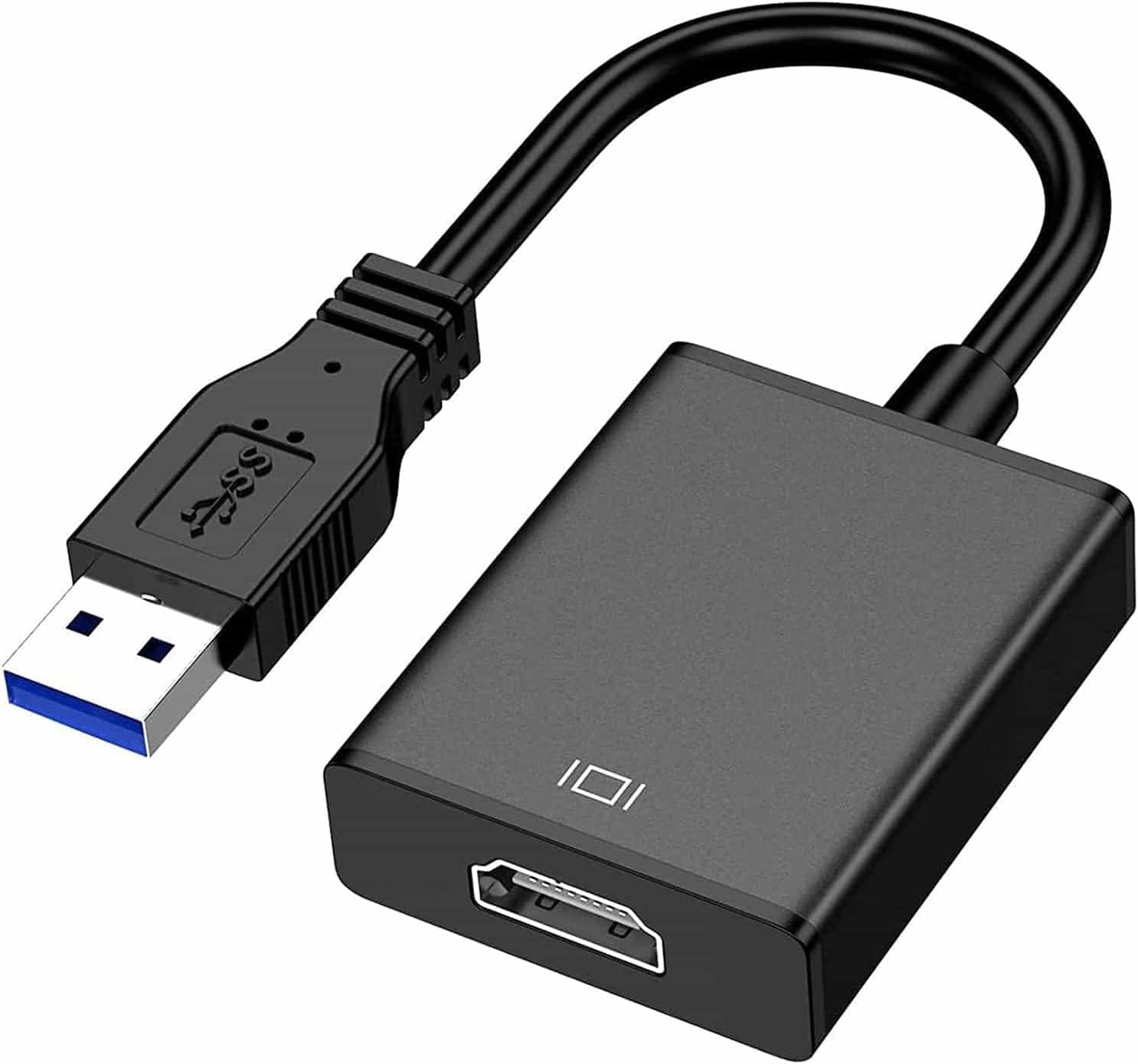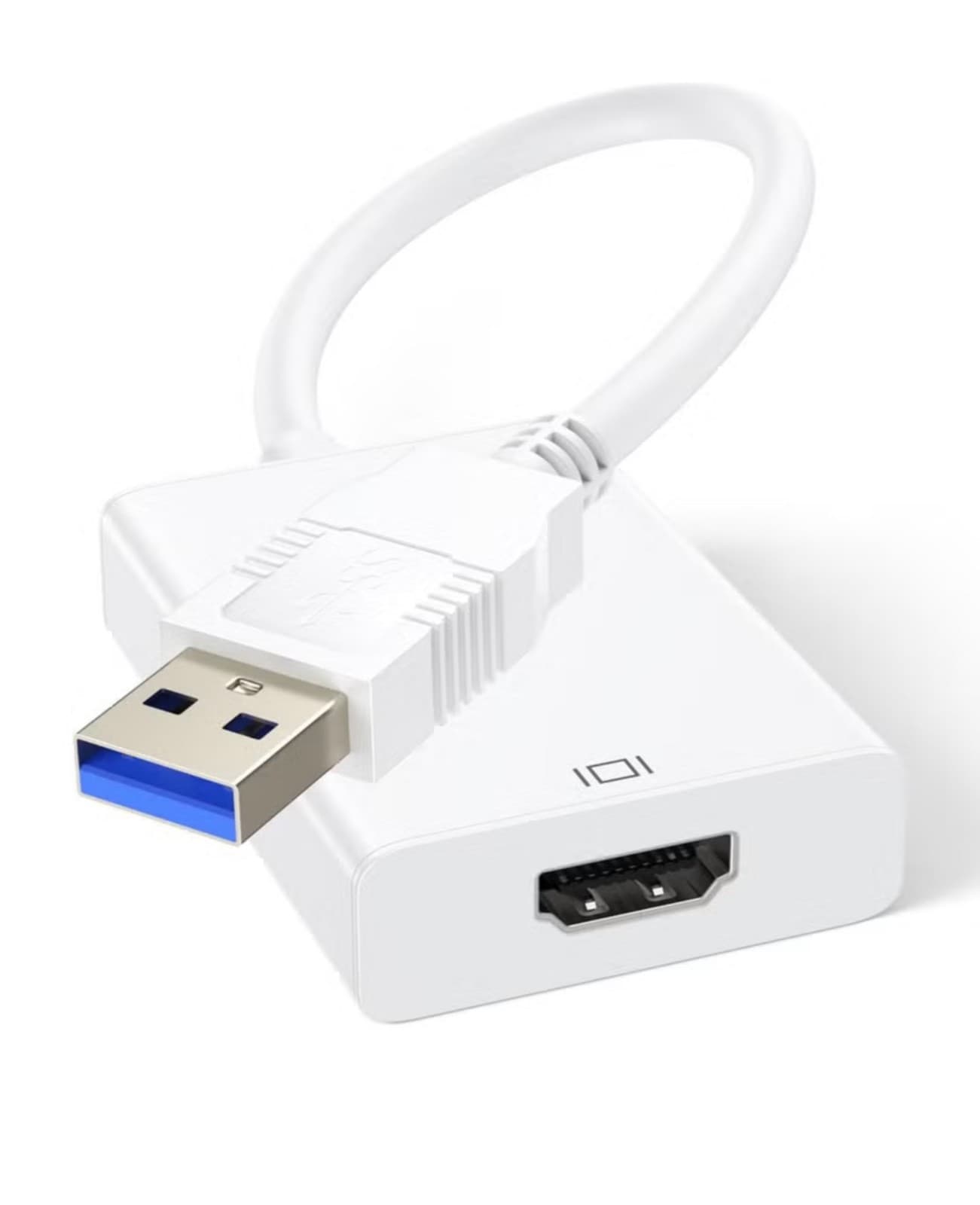
USB 3.0 to HDMI Adapter, 1080P - White
- 100,000+ orders sent
- UK company
- Dispatched from UK warehouse
Only 2 left in stock
- Offer
- 10% off with code RIG10 at checkout.
- Delivery
- Free delivery by Royal Mail Tracked 48 (2-3 working days). Dispatched within 24 hours.
- Returns
- 30 days to send it back. We pay the postage if it is faulty or not as described.
- Payment
- Secure card payment by Stripe. Price includes VAT.
Description
Description
- Connects a USB port on a Windows laptop or desktop to an HDMI monitor, projector or TV - Up to 1920x1080 on a USB 3.0 port; 800x600 on a USB 2.0 port - Mirror mode and extend mode for a second screen or a larger view - Compact 15 cm cable in white, with a 1:1 connection - Works with Windows 10, 8.1, 8, 7 and XP only; not for Mac, Linux, Vista, Chrome or Firestick - Package contains 1 x USB 3.0/2.0 to HDMI adapter This white USB 3.0 to HDMI adapter links a USB port on a Windows laptop or desktop to an HDMI display such as a monitor, projector or TV. It gives you extra screen space for split-screen working, or lets you show your screen on something bigger. The cable is 15 cm long and the adapter is portable. It has two display modes. Extend mode spreads your work across more than one screen, so you can keep several tasks in view at once. Mirror mode shows the same picture on a larger screen. It suits presentations, films, home theatre, video calls, training sessions and games. You could, for example, keep a document on one screen during a video conference, or watch real-time stock prices while you work. Resolution depends on the USB port you plug into. On a USB 3.0 port the adapter outputs up to 1920x1080. It also works with USB 2.0 computers, but the maximum resolution there is 800x600. For the best picture, use a USB 3.0 port. The output connector is HDMI (HDMI 2.0), and the connection is 1:1. Please check compatibility before you buy. The adapter works with Windows 10, Windows 8.1, Windows 8, Windows 7 and Windows XP. It does not work with Mac, Linux, Vista, Chrome OS or Firestick. It converts USB to HDMI only and is not a two-way adapter. Setup is simple. Plug the adapter into a USB port and a driver prompt should appear. Follow the steps to install it. If you can't see the prompt, open the new USB device folder that appears on your computer and double-click it to install the driver. It helps to turn off your anti-virus software and lower the firewall level during installation, then switch them back on afterwards. If the driver doesn't appear or won't download, contact our customer service team for the latest driver. Restart your computer after installing it. Package contents: 1 x USB 3.0/2.0 to HDMI adapter.
Specifications
Specifications
Delivery & Returns
Delivery & Returns
Customer reviews
No reviews yet. If you have bought this item, be the first to say what you think.
Every review is from someone who bought this item from us. We check the order before a review can be written.